How-to guide · Autobiography Connect
How to manage WhatsApp Business chats as a team
One shared WhatsApp inbox for your whole team: assign chats, reply faster, send broadcasts and track every lead — on the official WhatsApp Business API.
3 steps · about 10 minutes to set up · screenshots from the live product
Step 1 of 3
Bring every chat into one inbox
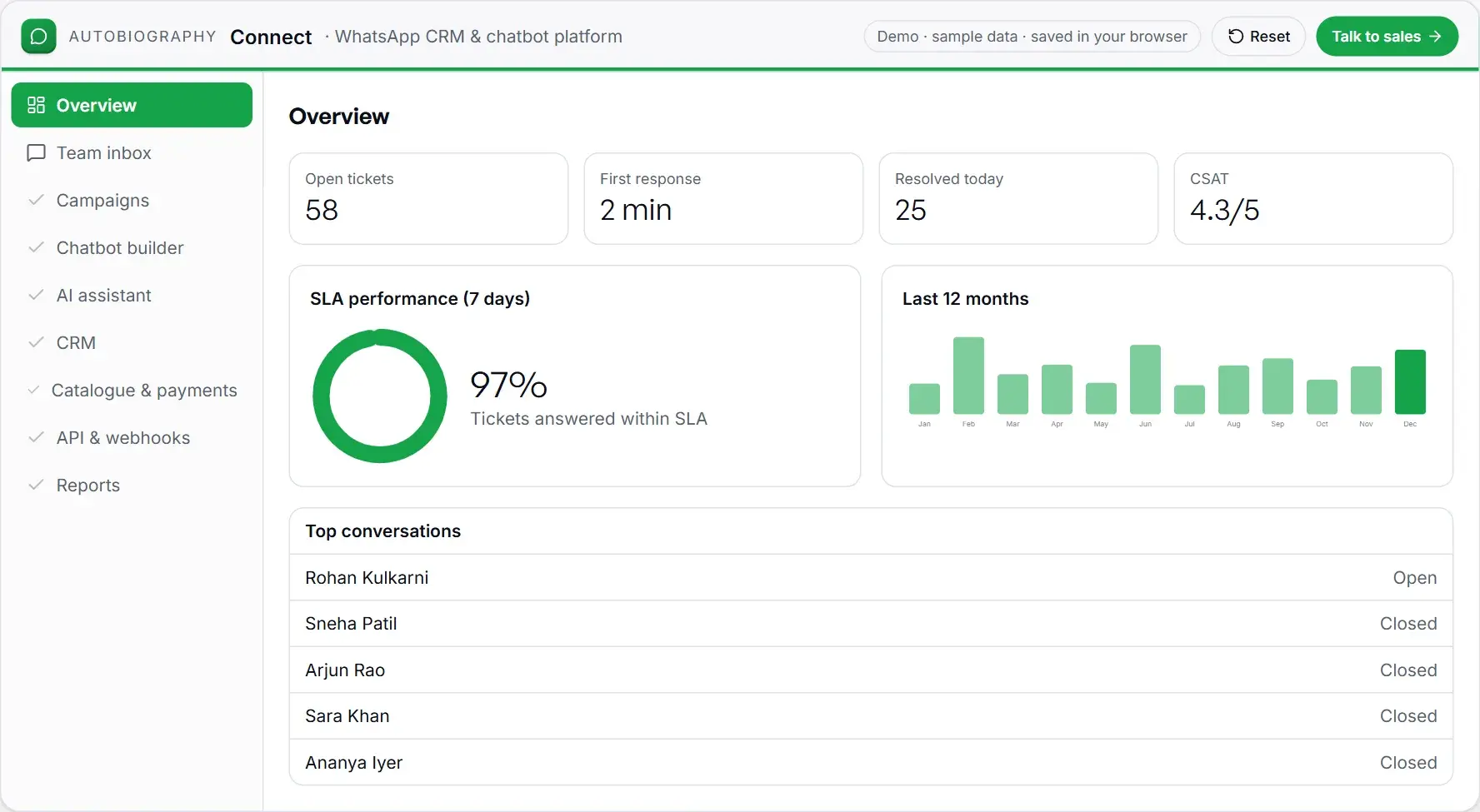
Every customer message lands in one shared inbox your whole team can see.
Step 2 of 3
Assign and reply as a team
Assign each chat to a person, add notes and never reply twice to the same customer.
Step 3 of 3
Broadcast and track leads
Send approved broadcasts and turn interested chats into tracked leads.
In short
One inbox. Clear owners. Every lead tracked.